Product Information

ESP-Dorado

View And Search Your OS 2200 Storage

Finally, the GUI interface we’ve been waiting for. Make your resources more visible, accessible, and easier to work with.

Traditional utilities are OK...

...if you still have staff who know how to use them.

@PRT,TL FCI*STAR8R1-BLD.
@TOCED FCI*STAR8R1-SRC.
@FCI*STAR8R1-SRC.POOL
Great news! Relax.

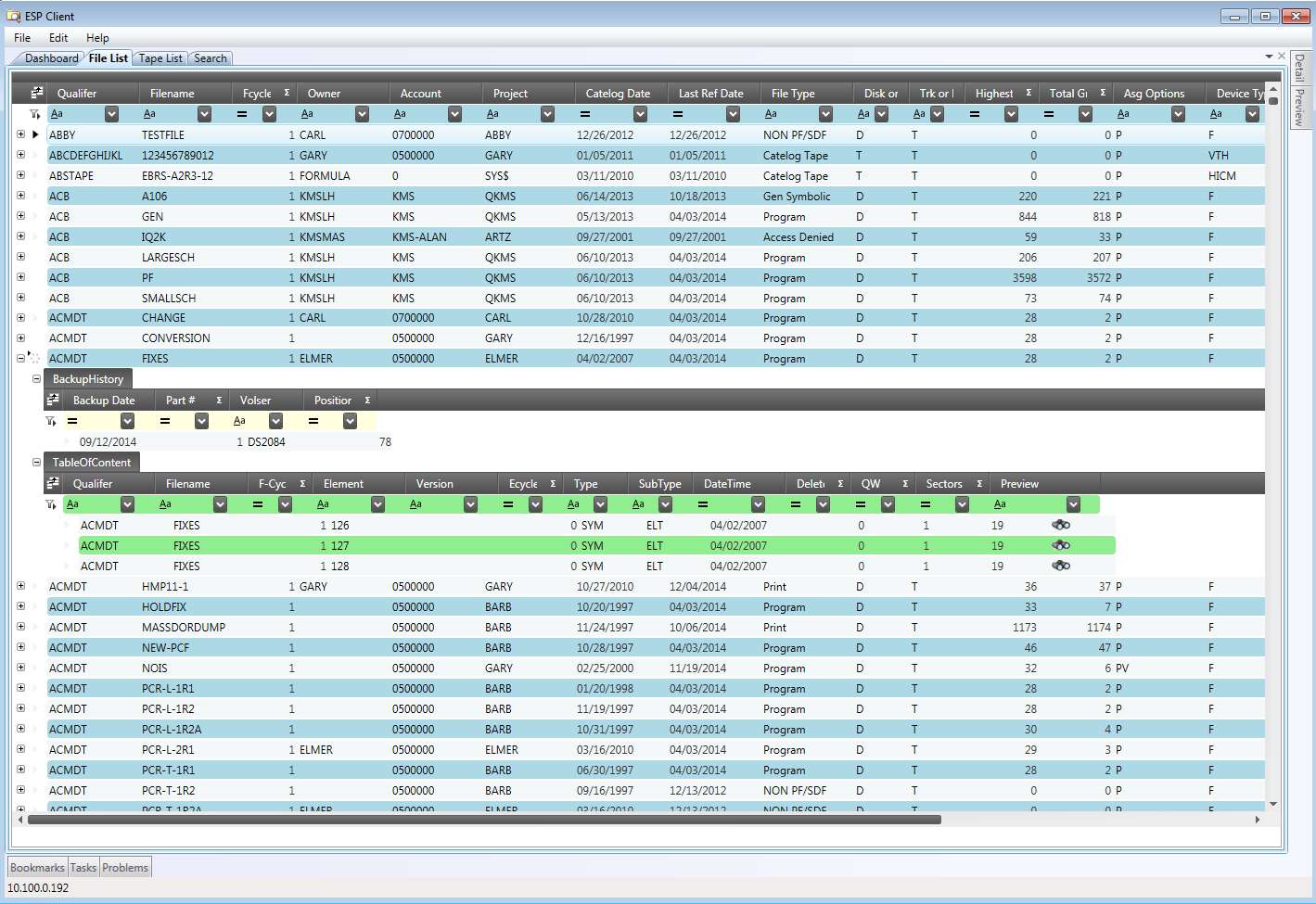
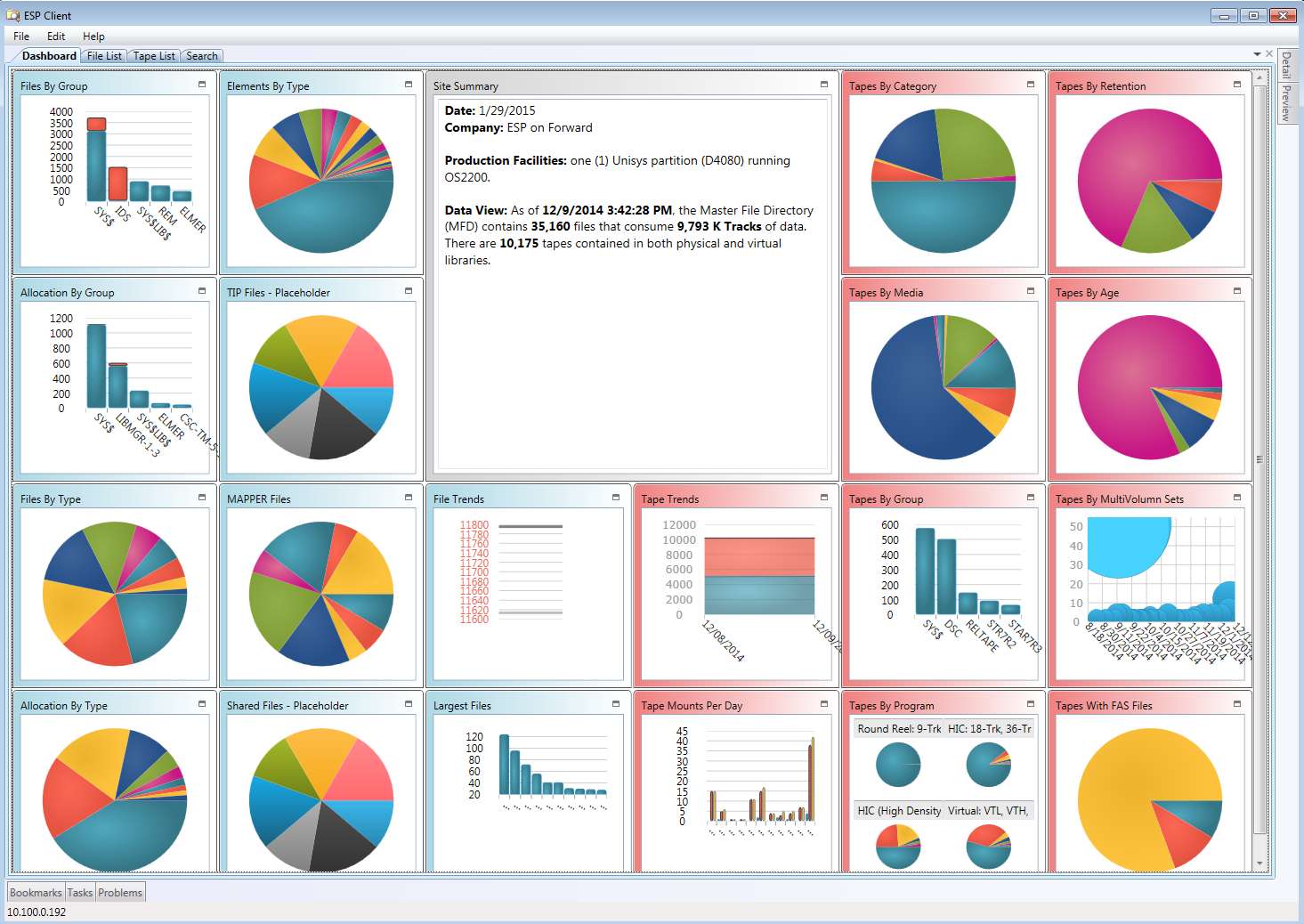
With interactive displays, you won’t need ’em! In just a few clicks and keystrokes, you can scan dashboards for summary stats, scroll file lists, and intuitively manage your environment without memorizing complex commands.
A Look Inside ESP-Dorado

Experience a modern graphical interface designed to bring clarity and ease to OS 2200 storage management.

See ESP-Dorado in Action

Whether you are in Operations, Development, or Support, discover how ESP-Dorado streamlines workflows and accelerates onboarding.

Reach and Potency

In under 4 minutes, see how to quickly scan dashboards, scroll lists, and visually monitor scratch pools.

Three Use-Case Scenarios

Watch how managers boost productivity, while support teams bring new hires up to speed instantly—no prior OS 2200 experience required.

Technical & Executive Overview

Core Capabilities

Disk Storage Management

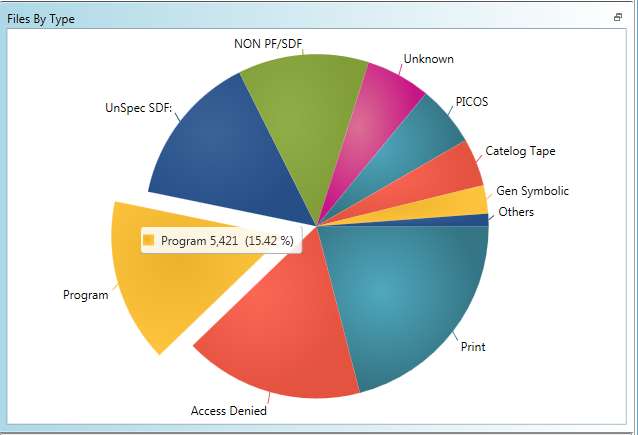
  • Scan interactive dashboard for an instant view of disk status and summary statistics.
  • Generate, sort, and filter interactive file and element lists to research ownership and project affiliations.
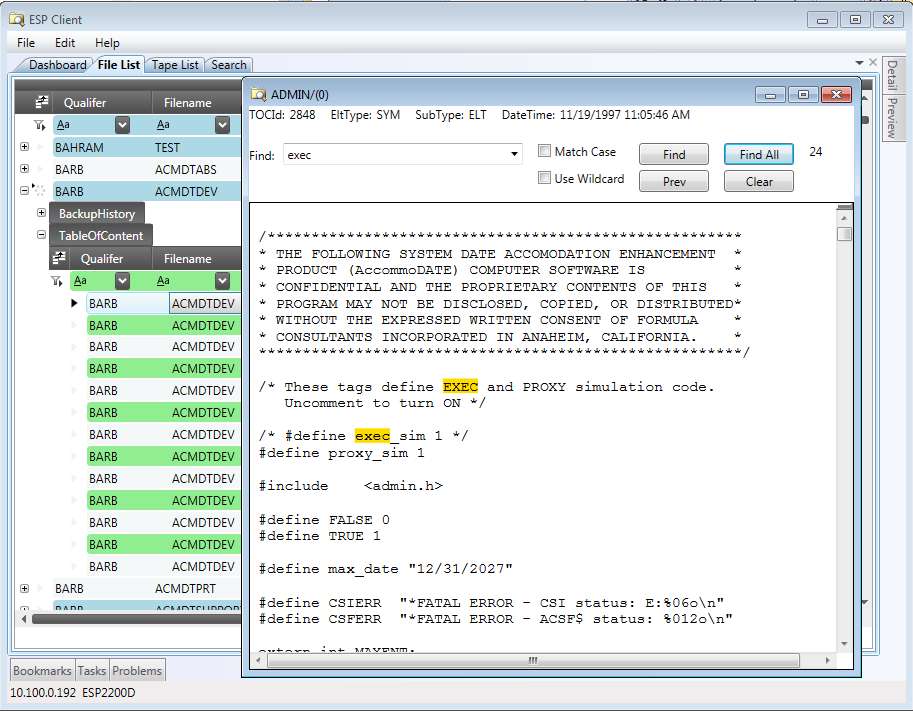
  • View, search, display, and edit source elements directly from the browser.
  • Integrates seamlessly with STAR improvements for comprehensive resource tracking.

Tape Storage Management

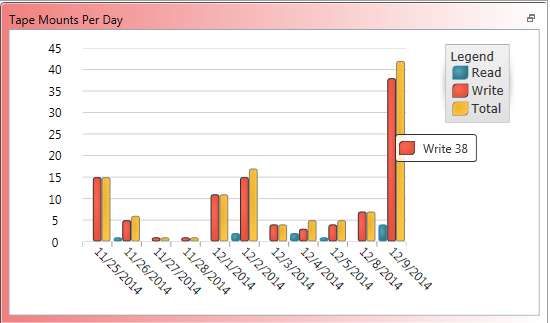
  • Scan dashboard for quick visual summaries of tape inventory and mount activity.
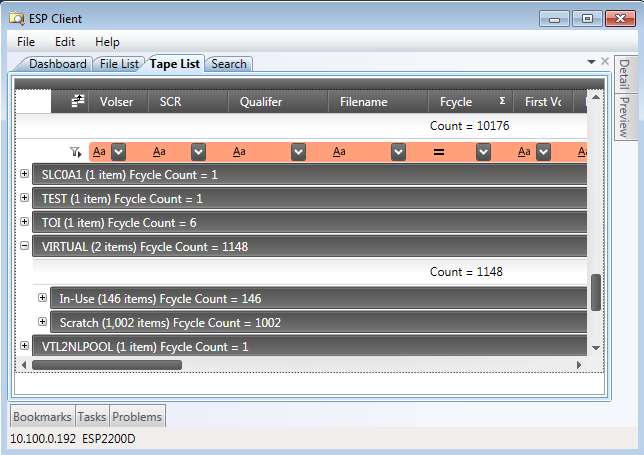
  • Click-through capabilities to generate and explore interactive tape volume lists.
  • Conveniently browse, view, and sort comprehensive lists of scratch pools.
  • Manage and monitor STAR-1100 scratch tapes and pool hierarchies with ease.

Powerful Global Search

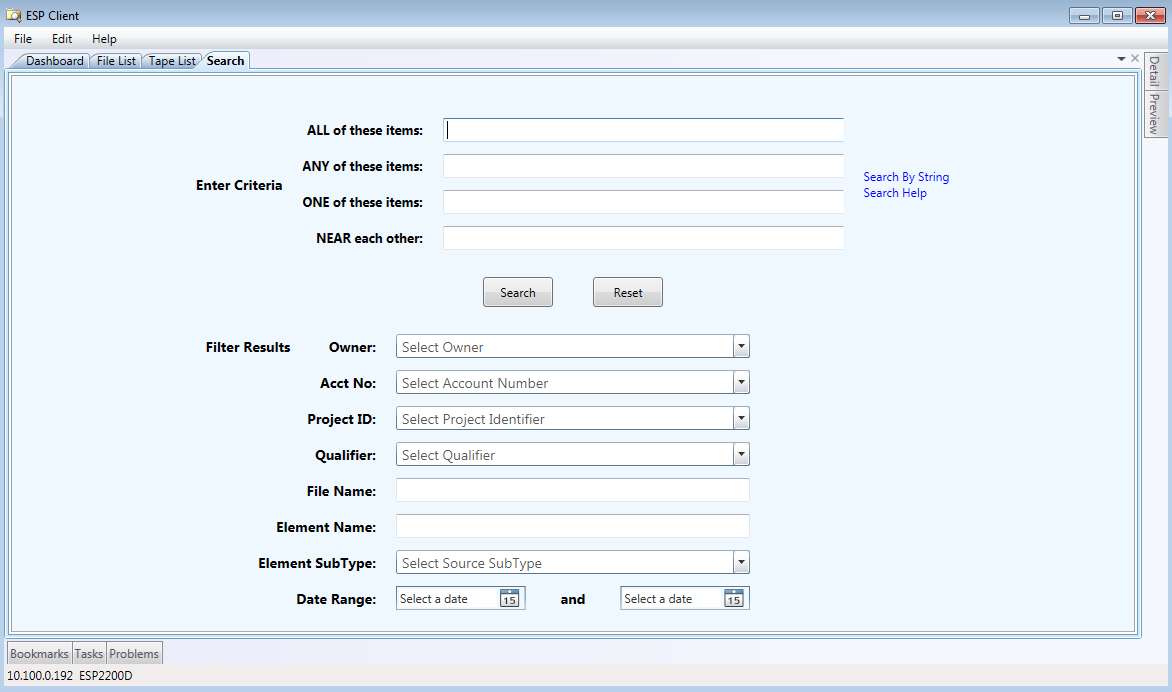
  • Construct complex queries via intuitive input forms across all disk files.
  • Instantly locate missing source code, build components, and Link elements.
  • Search on keywords to find specific elements, open them, and edit immediately.

Collaboration & Export

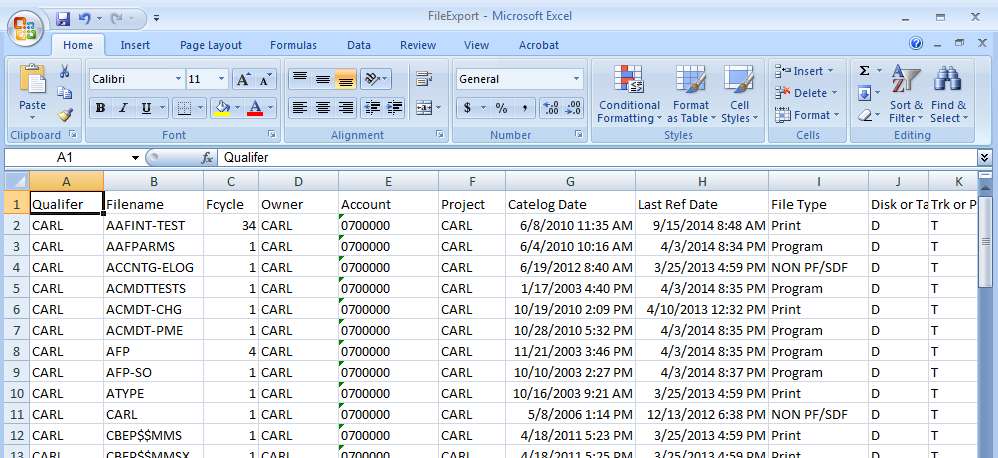
  • Export specialized lists to Excel to share resource data with non-user colleagues.
  • Set bookmarks to quickly return to specific views and datasets.
  • Share curated bookmarks with team members to enhance cooperative workflows.

Product Documentation & Releases

Learn deeper technical details and see the latest updates.

You can work with only what you can see.

Your resources more visible. Easier to use. ESP-Dorado.

Contact Us